01
Dealer Order Portal
Product catalogue, quick ordering, bulk basket via Excel and order tracking on one screen.
74%
drop in the time the inside sales team spends entering orders
4 hours
dealer account reconciliation fell from 3 days to 4 hours
31%
of orders now arrive through the portal outside office hours
0
returns caused by a wrong price or discount
What We Offer
The portal runs on your ERP’s pricing and stock logic. Dealers order while seeing their own price list, discount tier and credit limit, and the order lands in the ERP the moment it is approved. You only manage the exceptions.
The Problem
Let’s go through your order flow and your ERP side together, and pin down in the first call which step moves to the portal.
Screens
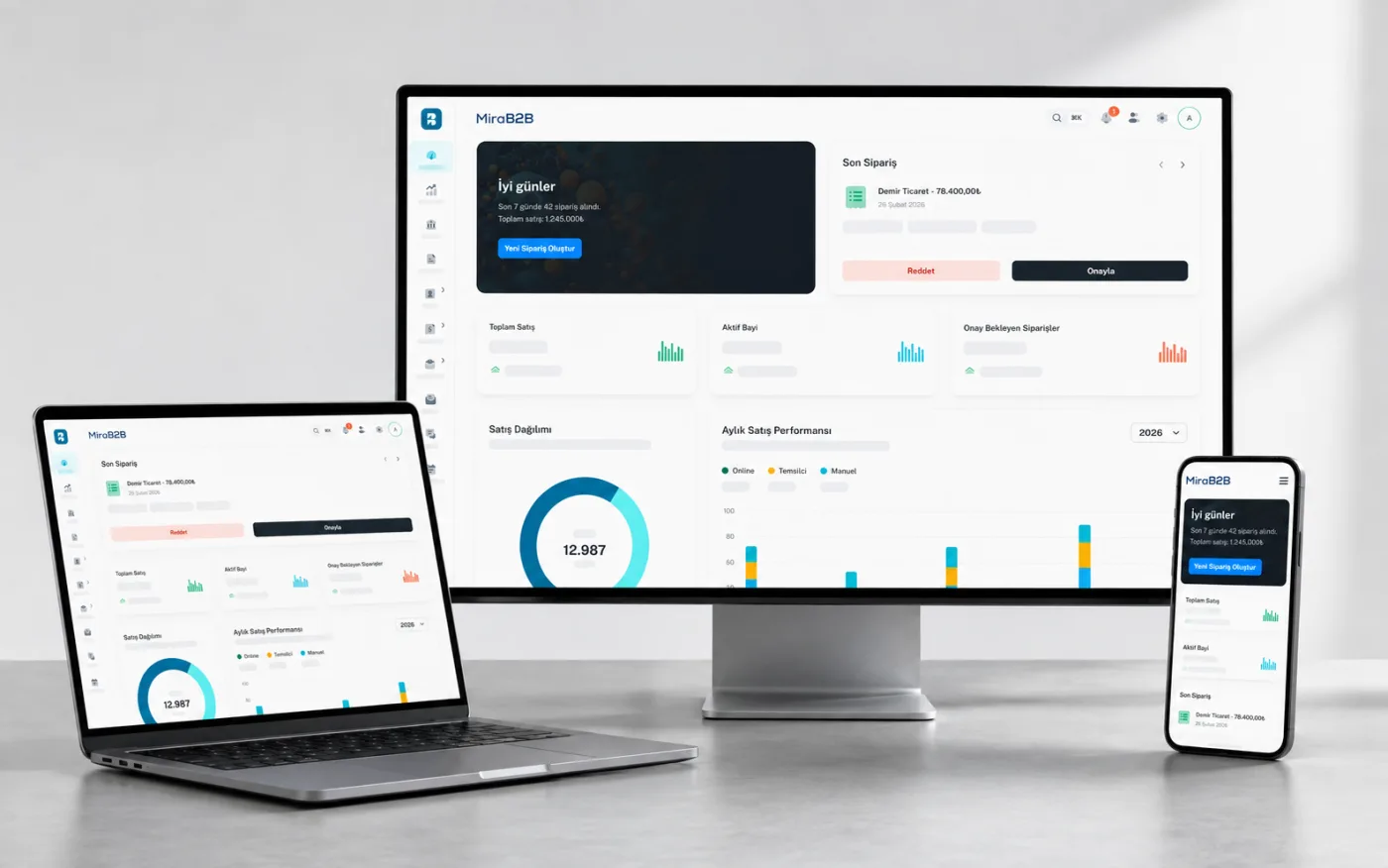
MiraB2B is a B2B dealer order and management software developed by Zenmira Bilgi Teknolojileri A.Ş. Each topic has two screens — click a heading to switch between them.
Explore MiraB2BOrder screen
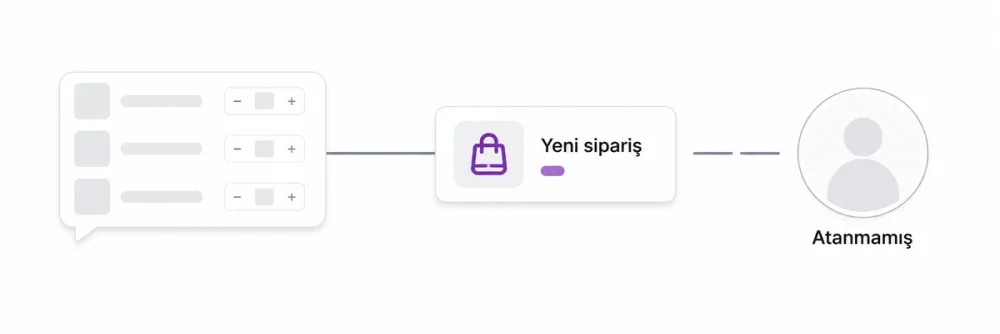
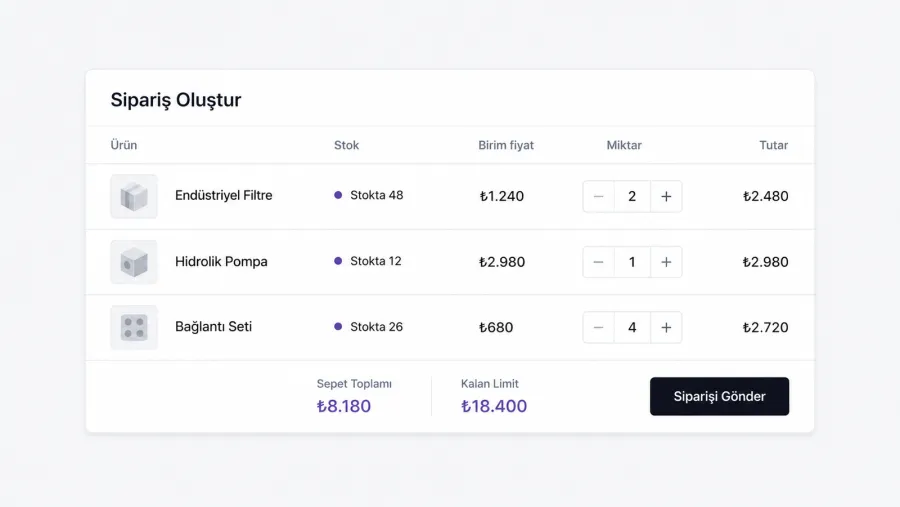
The basket is calculated from the pricing and discount rules in your ERP. Dealers order quickly by product code, and approved orders flow into the ERP without waiting.
Pricing & credit
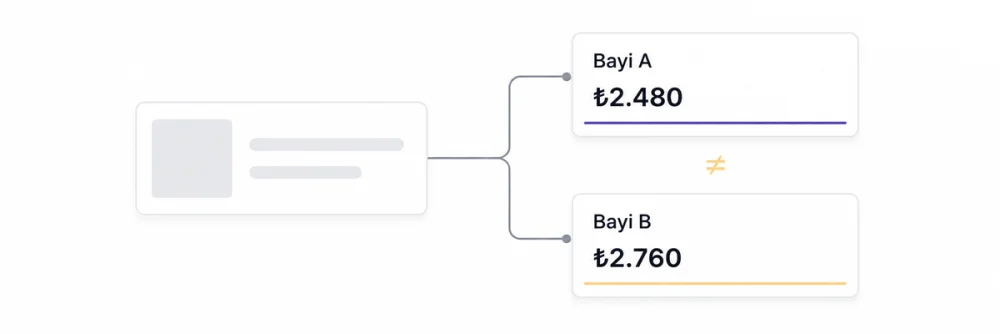
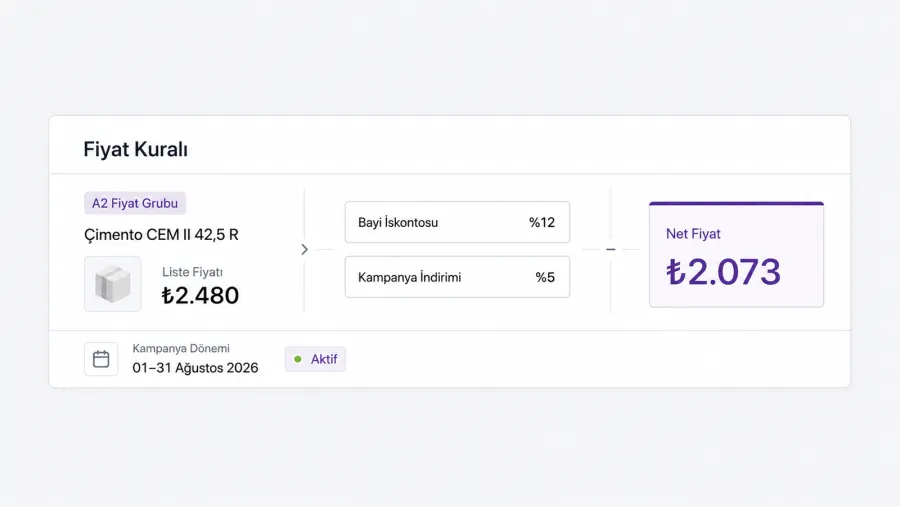
Price groups, product-level special pricing, tiered discounts and seasonal campaigns are defined in one place. You decide what each dealer sees; nobody sees anyone else’s pricing.
Accounts & reconciliation
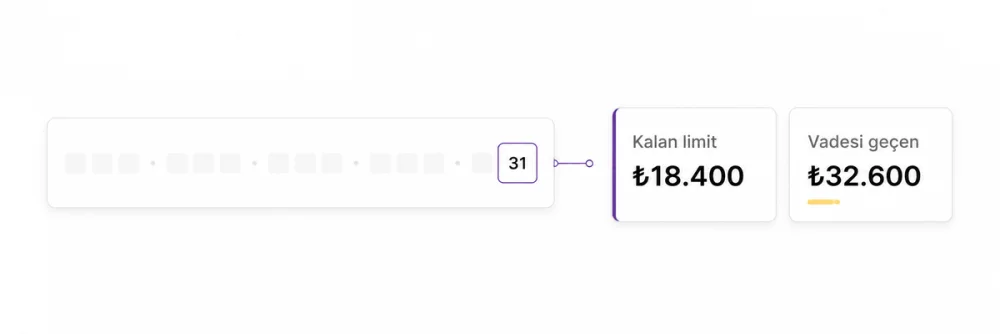
Dealers see their own statement, open invoices and payment calendar in the portal. No Excel goes out for reconciliation, and collection conversations start from data.
Sector Solutions
No two companies with a dealer network need the same wholesale software: units, pricing rules, stock tracking and dispatch all work differently by sector. The setups below come out of the order flows of the industries we have worked with.

Filtering by size, brand and tread pattern; dealer ordering with seasonal stock and regional price lists.
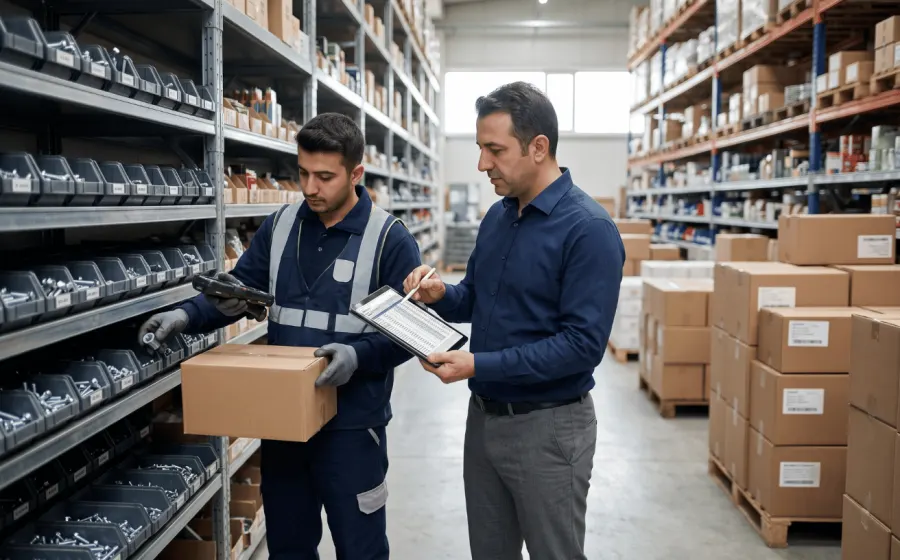
Tens of thousands of SKUs, unit and case-based pricing, rule-based discounts per dealer group.

Project discounts and site delivery for ton/pallet-based goods like cement, rebar and plaster.

Case-multiple ordering, batch/expiry tracking and cold-chain dispatch days for wholesale distribution.

OEM code and make/model fitment lookup; returns and warranty tied to the order line.

Size/colour assortment grids on a single line; season and collection-based price lists.
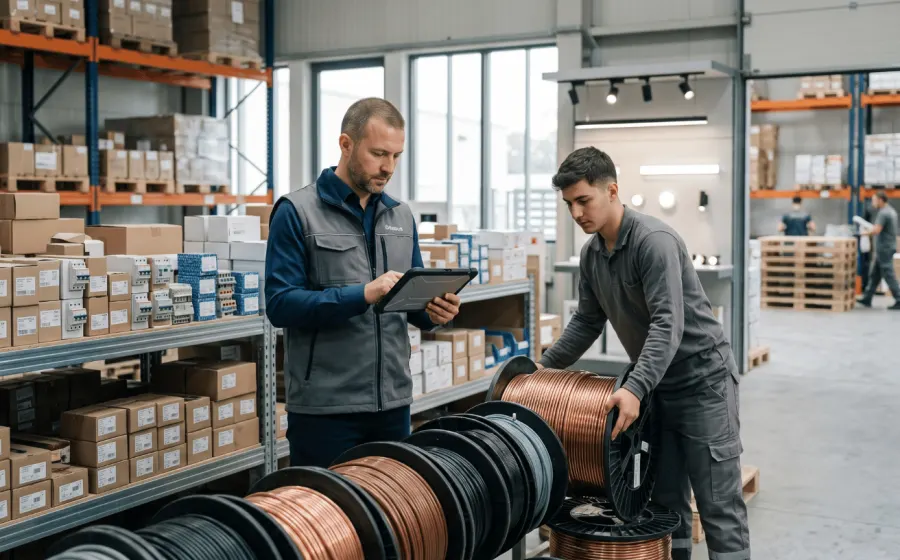
Metre/reel units, cross-section based pricing and quote-to-order conversion for projects.
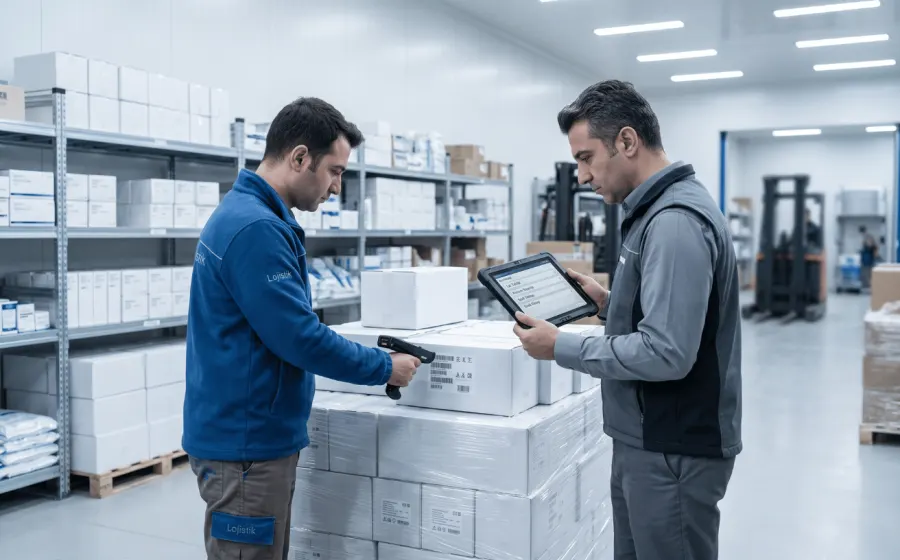
Lot and registry records, tender price lists and institution-level dispatch approval in the order flow.
Manufacturer
In manufacturing, an order is an input to planning. As long as a dealer’s phone request lives in a sales rep’s notebook, the production plan rests on guesswork. The portal writes the dealer’s order straight into the system, so you see which product demand is building up on, as it happens. Price lists and campaigns tied to dealer groups let you sell the same product to different channels on different terms. Because an over-limit order is blocked at checkout, what enters production does not carry collection risk. With ERP and accounting integration an approved order is never keyed in twice: stock, dispatch and e-invoicing all run from the same record.
Distributor
A distributor’s work runs through a network of dealers, each on different terms — not through a single account. Every dealer has its own price list, discount terms and credit limit, and past a certain point those cannot be tracked in a spreadsheet. The portal attaches those terms to the dealer record: when a dealer signs in, it sees only its own pricing, its own limit and its own account balance. Through permission management, field teams see the orders of their own dealers only. Online collection closes an open balance from inside the portal. On the reporting side, which dealer, which product and which period the sales are concentrated in is read from one screen.
Features
Nine modules run on one system, and we set the rollout order to match your workflow.
01
Product catalogue, quick ordering, bulk basket via Excel and order tracking on one screen.
02
Pricing by dealer group, product and period; tiered discount rules.
03
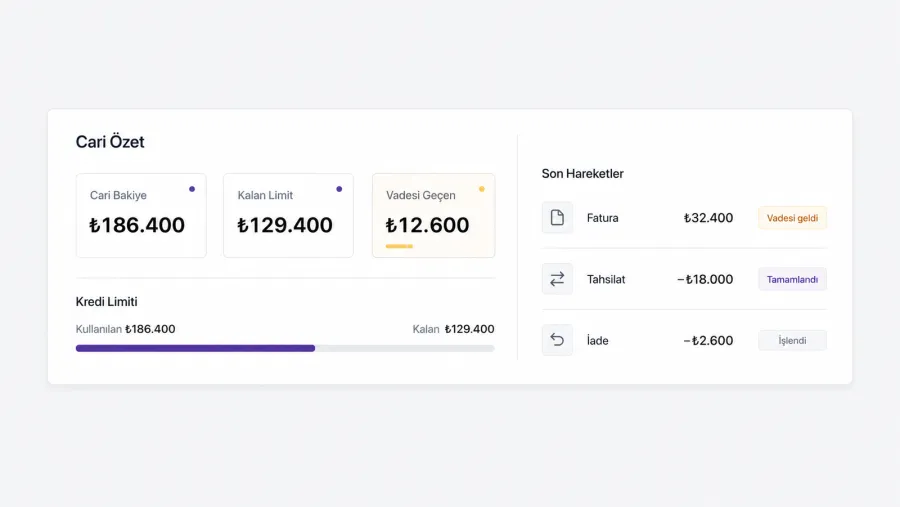
Limit checks, due-date tracking, statements and reconciliation on the dealer’s own screen.
04
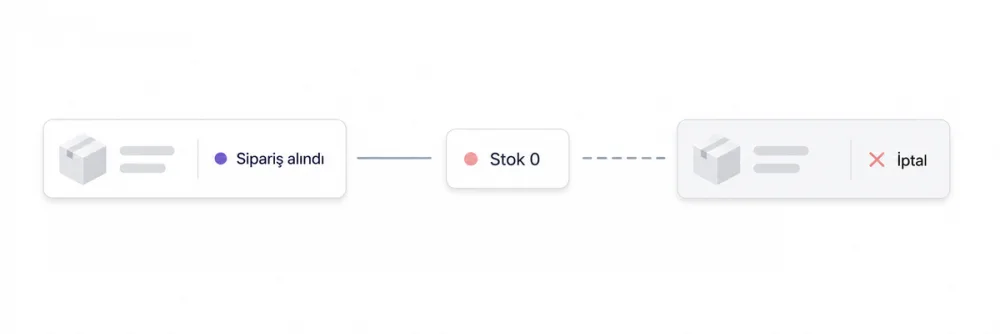
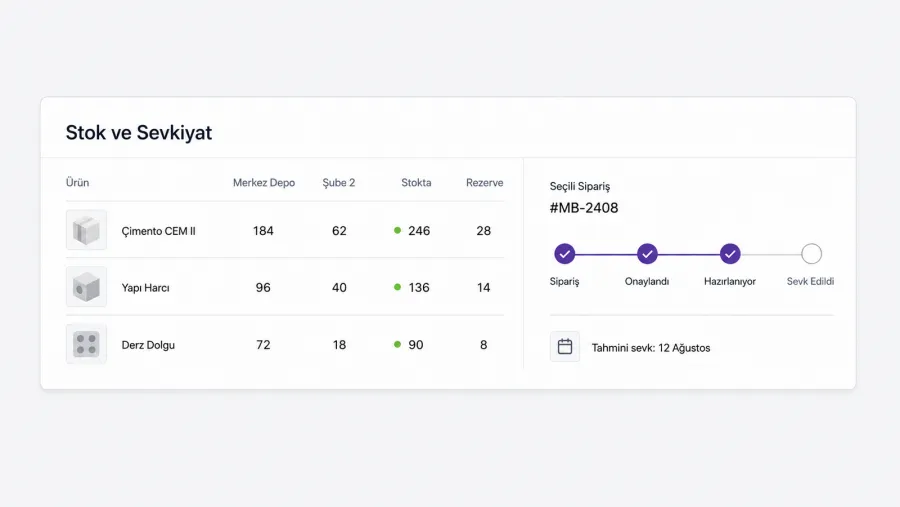
Warehouse-level stock, reservations, approval flow and shipment status — every step recorded.
05
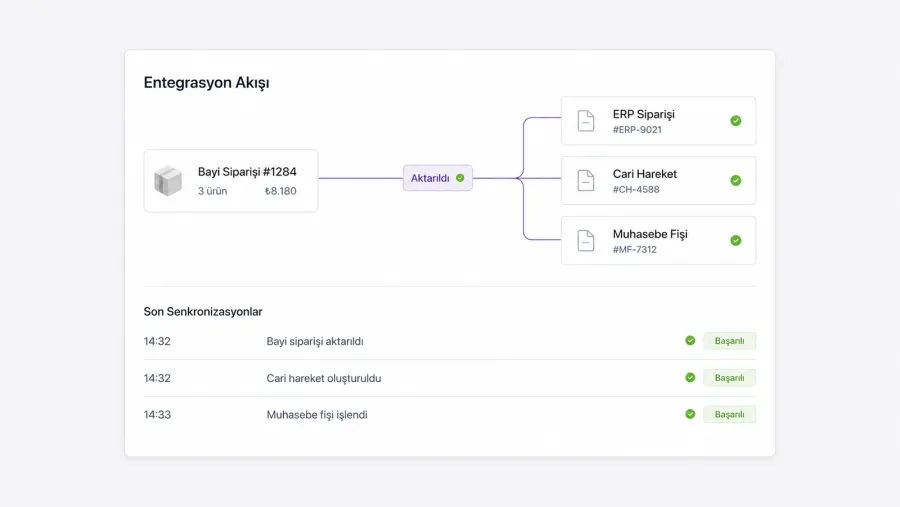
Products, pricing, stock, accounts and orders flow both ways — double data entry ends.
06
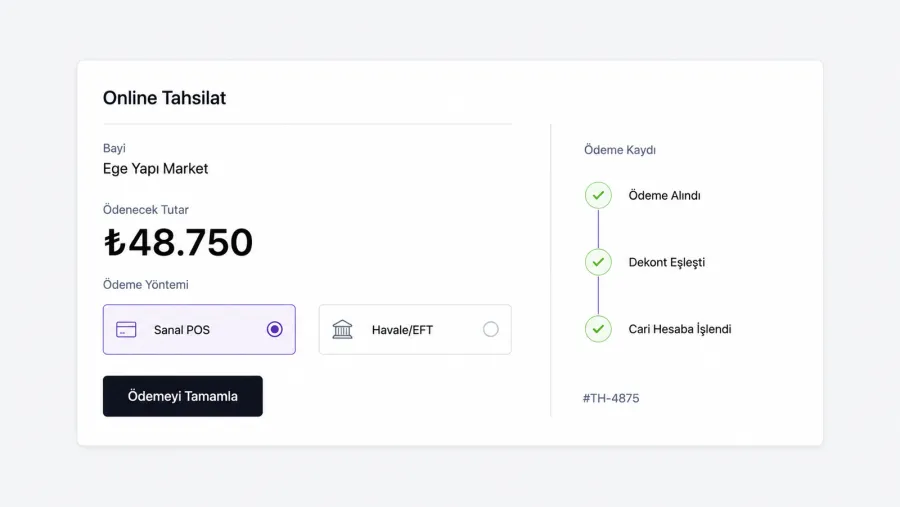
Virtual POS, transfer notifications and receipt matching keep the payment process in the portal.
07
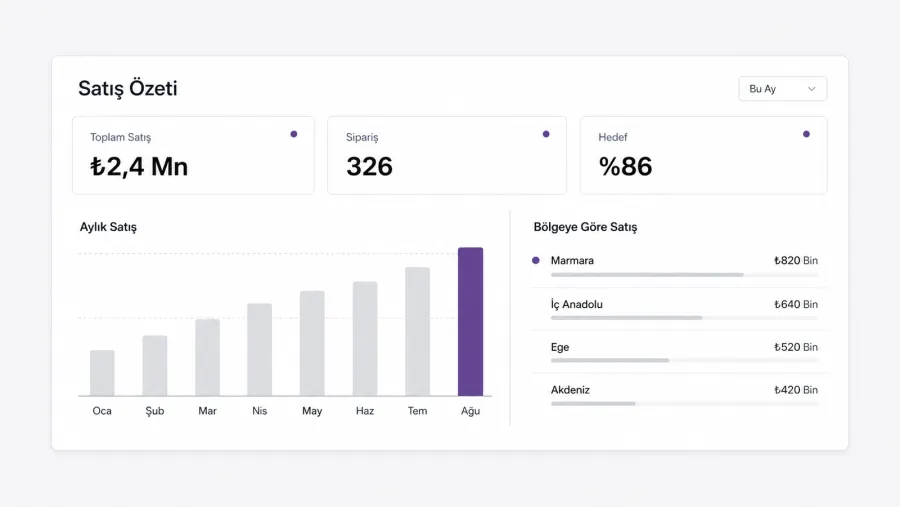
Sales broken down by dealer, region, product and rep; target vs. actual tracking.
08
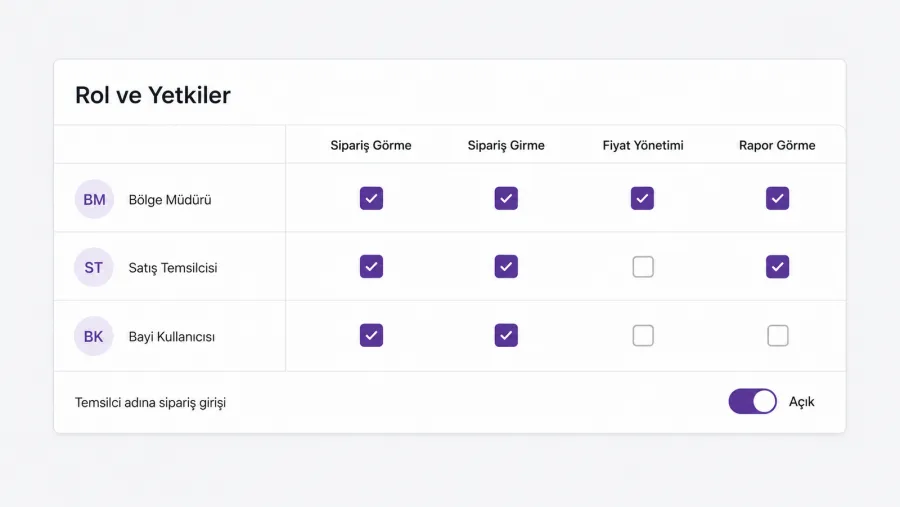
Dealer user roles, regional manager permissions and order entry on the dealer’s behalf.
09
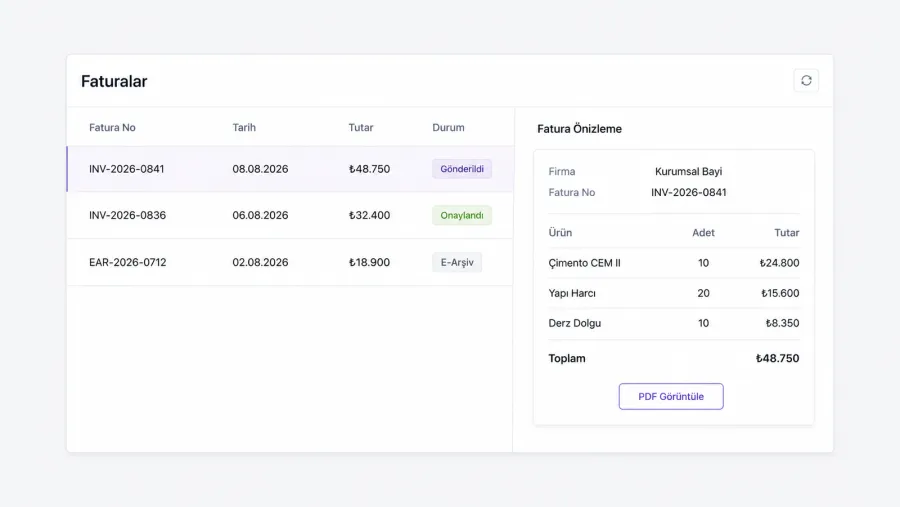
Invoices appear on the dealer’s screen — no phone call needed to chase a document.
Comparison
| Criterion | Phone / WhatsApp / Excel | Dealer sales portal |
|---|---|---|
| Order channel | Messages and phone calls, off the record | A logged portal, open 24/7 |
| Price accuracy | Depends on who answers, error-prone | Rule-based, one source |
| Stock information | Asked first, verified later | Visible at order time |
| Credit control | Noticed at month end | Limit checked in the basket |
| Data entry | The same order is entered twice | Flows into the ERP once |
| Reporting | Assembled by hand from Excel | Live reports with real breakdowns |
 Mikro
Mikro



 + Custom API
Products, pricing, stock and account data flow from the ERP to the portal; orders, payment notifications and dealer activity flow back. Where there is no ready connector, we build the integration at API or database level.
The portal goes live at dealer.yourbrand.com with your logo and your colours. To a dealer it is not a piece of software — it is your order channel.






Dealers pay inside the portal, and each payment is reported together with the order record and the account. Transfer notifications and receipt matching run in the same flow.
Client words
 Onur AltunGeneral Manager · Aydın Otomotiv
In the tyre business, speed matters not only in shipping but also in having the right product and the right information available on time. At Aydın Otomotiv we care about backing our sector experience with a stronger digital structure and making ordering easier for our business partners.
The B2B e-commerce system we developed with Zenmira was designed to fit our commercial processes — from how products are presented to how orders flow. Throughout the project our current way of working, our users’ habits and the needs of the industry were considered together, and a structure specific to us was built.
The resulting system makes it easier for our partners to reach our products, while letting us manage our digital sales processes in a far more organised way. This project has been one of the important steps carrying Aydın Otomotiv’s commitment to digitalisation into day-to-day operations.
FAQ
If your question is not here, one of our solution consultants will get back to you shortly.
Send us your questionRelated Services
Let’s go through your order flow together and tell you exactly which steps move to the portal and what can go live within two weeks.